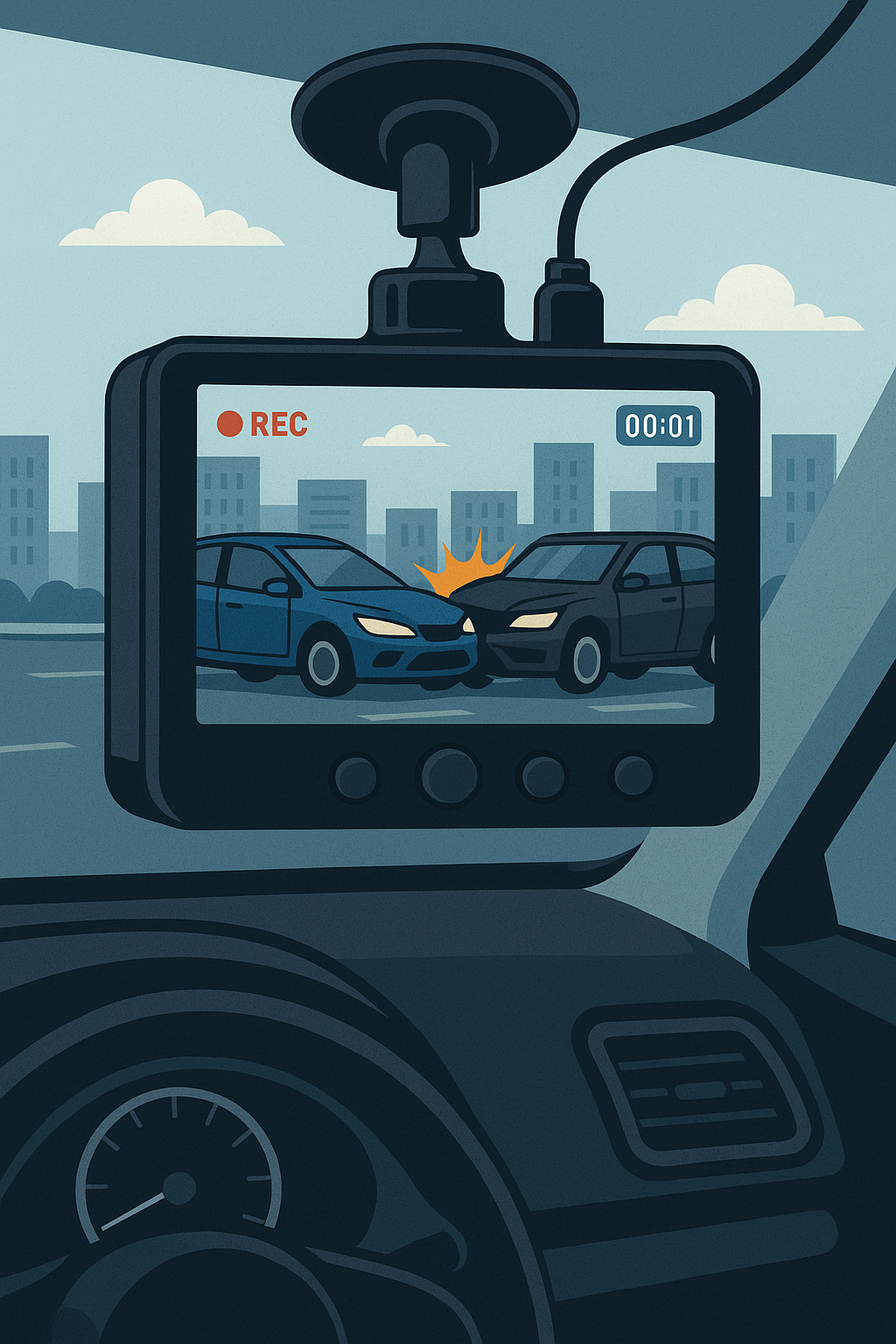
And Why It Might Be the Smartest Upgrade You Make to Your Car This Year
We live in a world of distracted drivers, aggressive road rage, fraudulent claims, and “he said, she said” accidents. In that environment, one of the smartest moves a driver can make is to install a dashboard camera, or dashcam.
These small devices continuously record video footage of your drive, providing an objective eyewitness when you need it most—especially during an insurance dispute.
What Is a Dashcam—and How Does It Work?
A dashcam is a small, windshield-mounted camera that records the road ahead (and sometimes behind or inside the car). Most models use loop recording to continuously capture short clips and overwrite old footage unless saved.
Features often include:
- 1080p or 4K resolution for clear video
- Night vision for dark or low-light environments
- GPS tracking for speed and location data
- Parking mode for recording when the car is off
- G-sensors that detect impacts and lock footage
Many dashcams now come with apps that let you view, save, and share footage from your phone—making it easier than ever to file a claim.
How Dashcam Footage Helps With Insurance Claims
1. Proves Fault in Accidents
A dashcam can clearly show which driver ran a red light, made an illegal turn, or changed lanes without signaling—helping insurance adjusters assign fault accurately.
2. Speeds Up the Claims Process
Insurers often have to sort through conflicting stories. A dashcam video simplifies the investigation, sometimes leading to same-day claim approvals.
3. Protects Against Fraud
“Crash-for-cash” scams, where a driver intentionally causes a collision to make an insurance claim, are on the rise. Dashcam evidence can expose these schemes instantly.
4. Defends You From Hit-and-Runs
If someone hits your car and flees, especially in a parking lot, a dashcam can capture their license plate and even footage of the driver.
Real Case: Dashcam Saves Driver Over $4,000
Consider the story of Elena R., a delivery driver in Pennsylvania. While merging on a busy highway, another car suddenly veered into her lane and sideswiped her vehicle. The other driver claimed Elena was at fault for not yielding.
Without witnesses, it could’ve been her word against his.
But Elena had a front-and-rear dashcam. The footage showed her staying within her lane while the other vehicle crossed the line and struck her car. Thanks to that evidence:
- The claim was resolved in 3 days
- No fault was assigned to her
- Her insurance premium didn’t go up
- She avoided paying a $500 deductible
- The other driver’s insurer paid over $4,000 for repairs
Best Dashcams to Consider
Here are three trusted options with all the features you need:
1. VIOFO?A229?Pro 4K Front + 2K Rear Dual Dash Cam
Top-tier quality with Sony STARVIS 2 sensors for crisp night vision, dual-channel coverage, built-in GPS, voice control, 5?GHz Wi-Fi, and 24-hour parking mode.
2. ROVE?R2?4K Dual Dash Cam (Front 4K + Rear 1080p)
This feature-packed dashcam includes 4K video, GPS tagging, Wi-Fi, a wide 150° field of view, and G-sensor-triggered emergency recording.
3. ROVE?R2?4K PRO Dash Cam
Compact yet powerful with 4K resolution, loop recording, night vision, and mobile app control—perfect for everyday drivers on a budget.
Related Reads to Help You Protect Your Vehicle
Want to safeguard your car even more? Dashcams are just one piece of the puzzle. You may also want to read:
- ? Rodents Are Destroying Cars: Here’s How to Stop Them (and What Auto Insurance Actually Covers)
- ? The 7 Best Rodent Repellents for Cars (and 3 That Don’t Work)
- ? Will Your Auto Insurance Cover Chewed Wires and Rat Nest Damage?
Dashcam-An Inexpensive Tool That Could Save You Thousands
A dashcam may cost less than your insurance deductible—but it could save you thousands in disputes, repairs, or legal fees. When accidents happen, footage is your strongest advocate. Secure that peace of mind—drive protected.
 💬
Dealy Planet
💬
Dealy Planet